Overview
The File Manager lists all pages and assets stored in your wiki site.
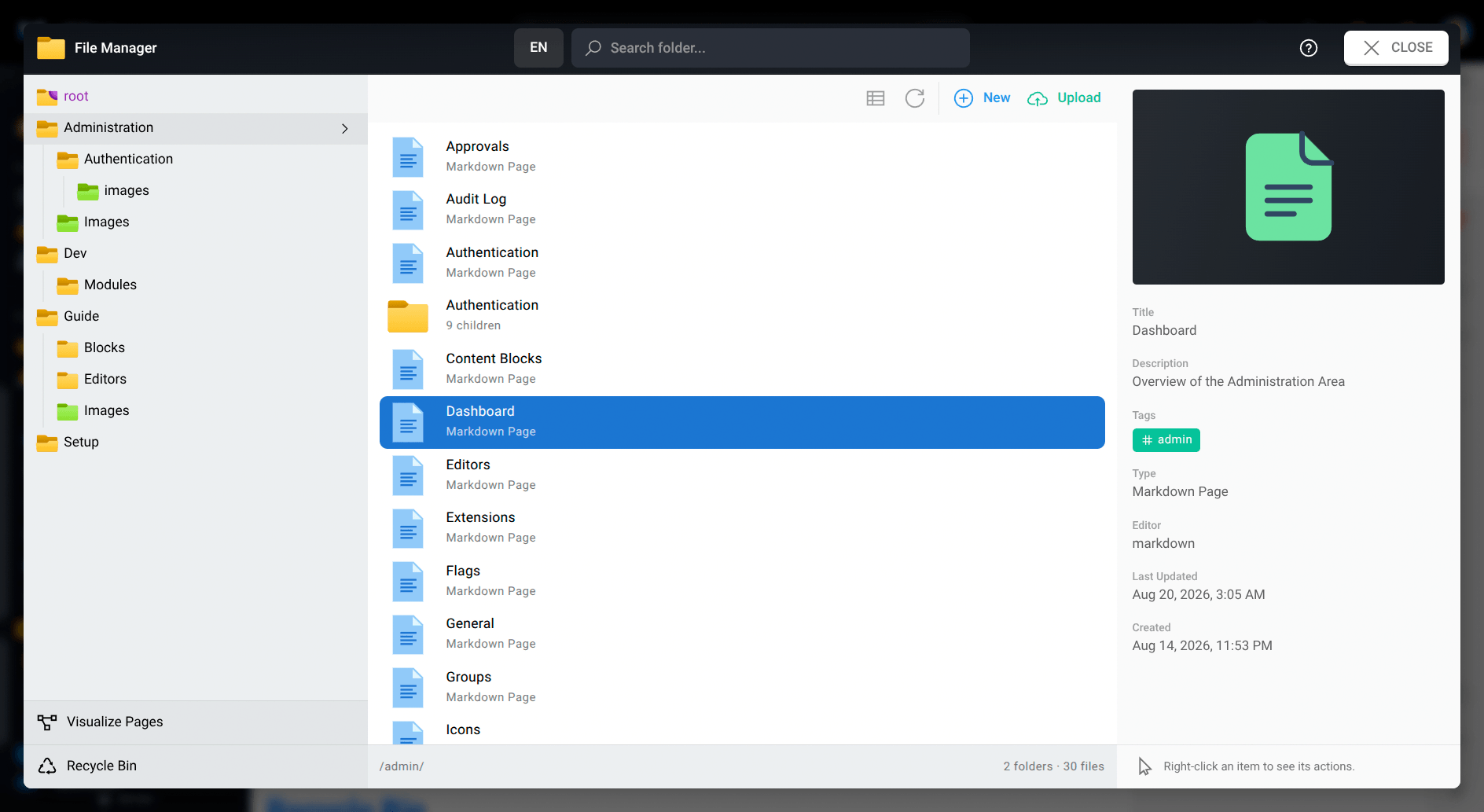
Folders
Upload Assets
View Options
Visualize Pages
Recycle Bin
Deleted pages can be restored from the Recycle Bin.
Important
You must have the
delete:pagespermission at the path where the page was prior to deletion in order to restore it.
Restore a page
- From the File Manager, click on Recycle Bin in the lower-left corner.
- Right-click on the desired page and select Restore.
- Confirm the restore.
Note
- If a page already exists at the path the page previously was, you'll be prompted to choose another location to restore it to.
- A page can be restored as long as the page history has not been purged up to the page deletion timestamp. The page history can be purged from the Administration Area Utilities page.
- You cannot empty the recycle bin. Unlike a traditional file system, the recycle bin simply shows entries of type "page deletion" from the page history ledger. Purge the page history from the Administration Area to permanently destroy a page (see previous point).